erblue provides you with a powerful interfact to view your inspections (lab orders). Inspections are listed in reverse chronological order. Your newest inspections will be listed first.
You can quickly find orders by using the search functionality in the upper right corner of the screen. You can search for orders using one of several criteria:
Address
Reservation Code
Order Name
Project Name
Matrix
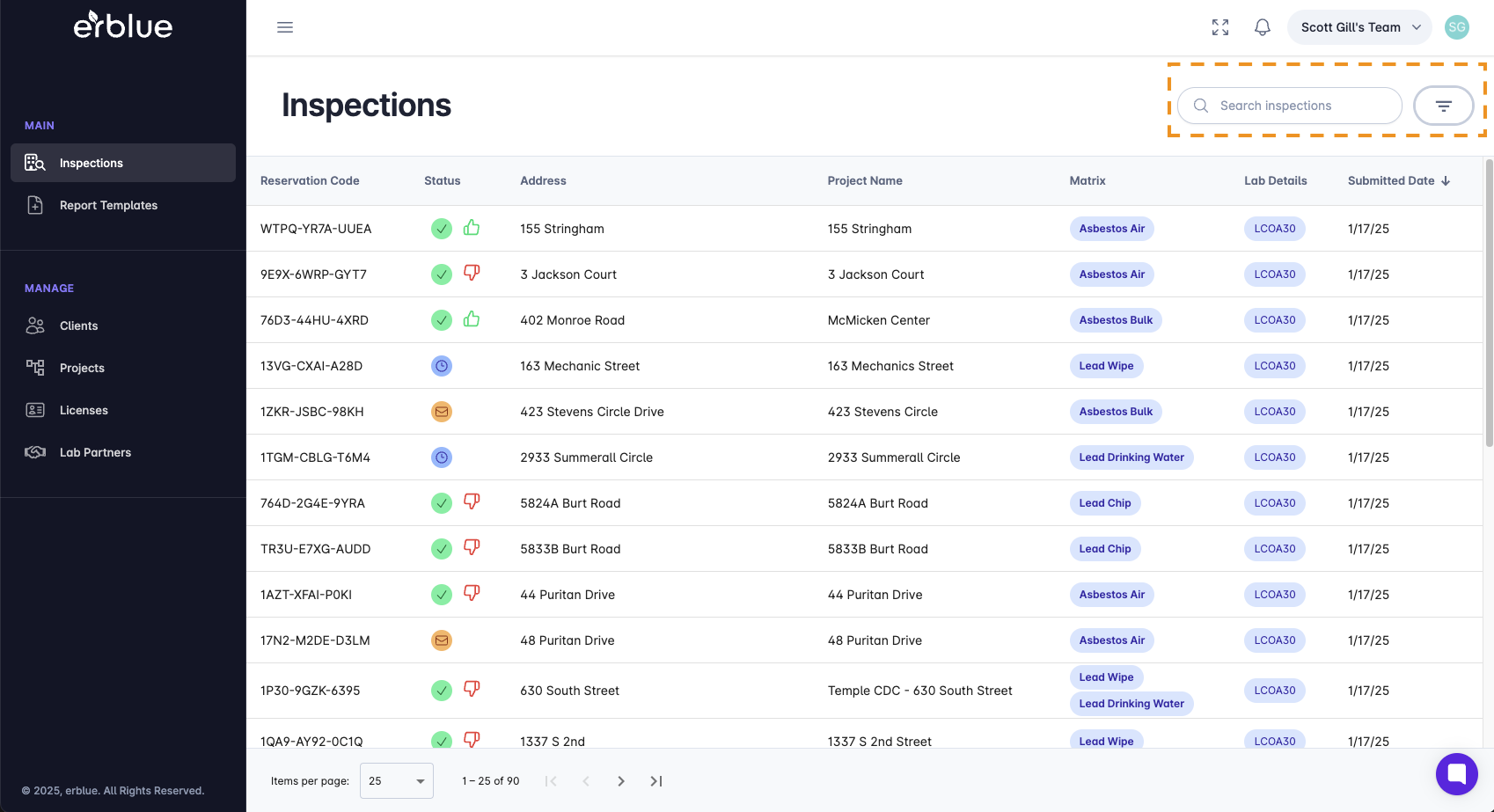
Inspections (lab orders) have a status of Submitted, In Progress, or Completed.
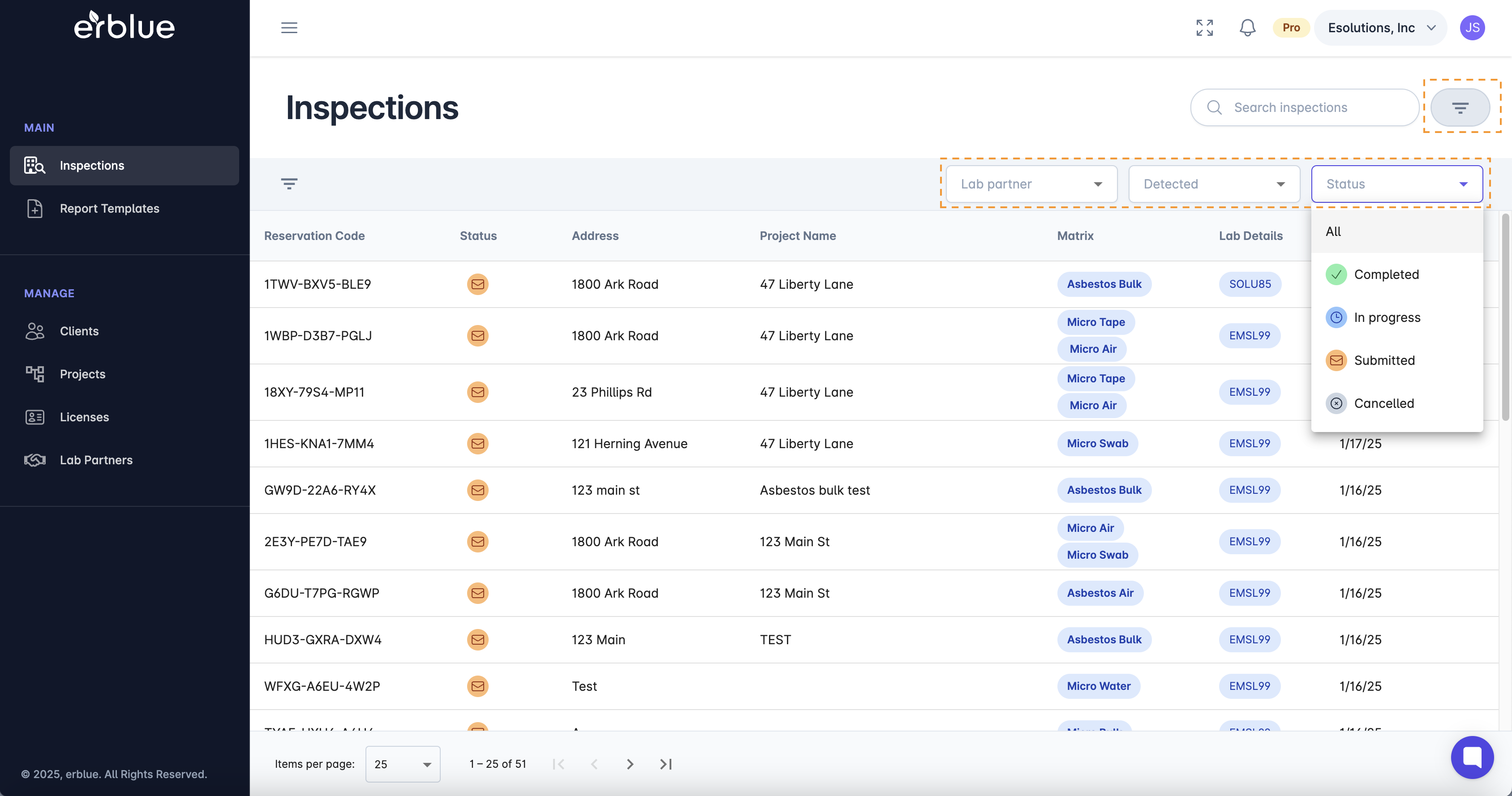
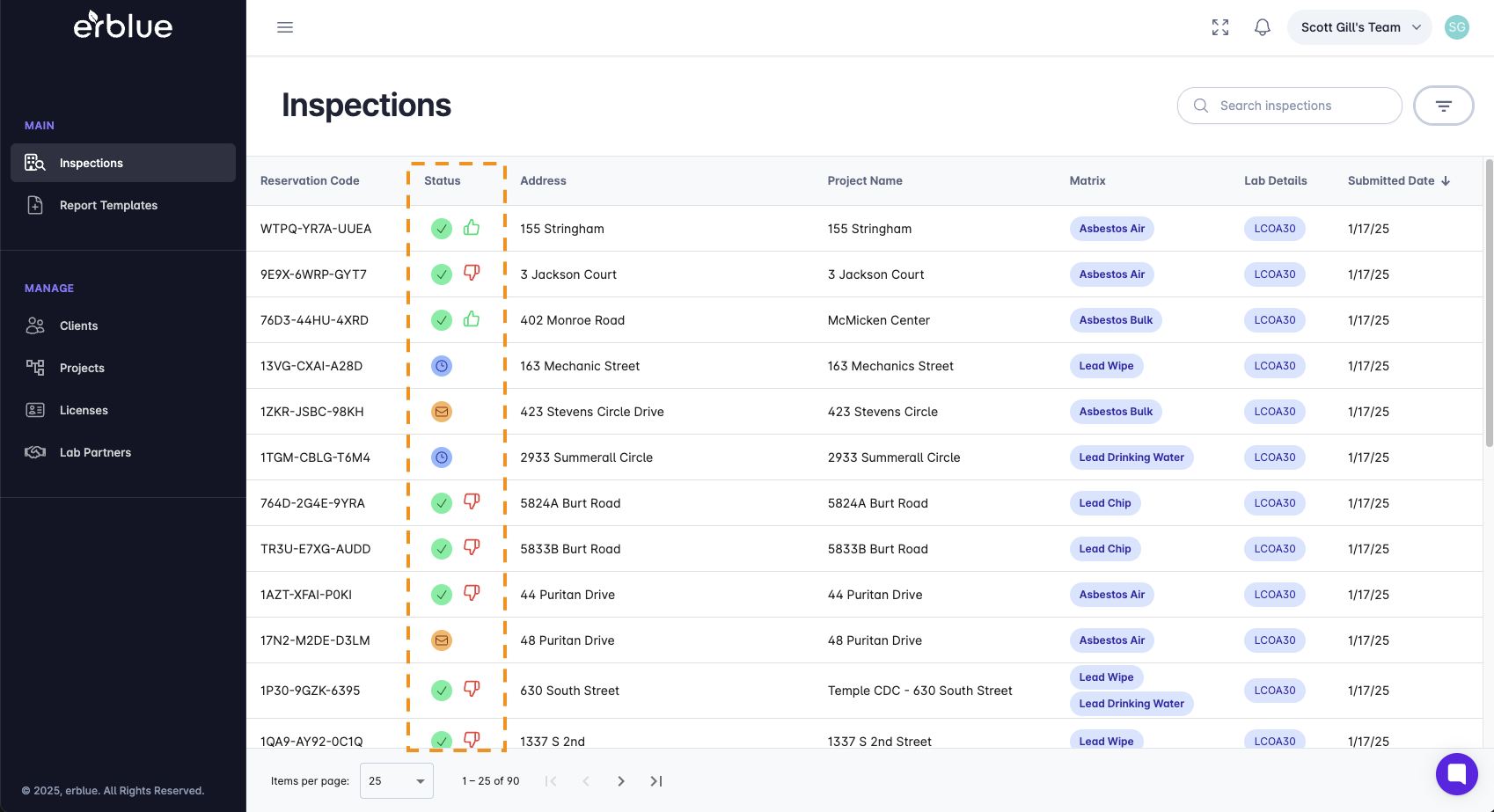
Each inspection listing has an icon indicating the inspection (order) status. A green circle with a check mark indicates that an order has been Completed. An orange icon with a clock indicates the order is In Progress. A blue icon with an exclamation point indicates that an inspection (order) has been Submitted to the partner lab, but testing has not been started.
You should know!
If you have more than one organization tied to your erblue account, you can switch between them by selecting the organization using the tab directly above the reservation code column.
If an inspection has been tested by a partner lab and the order comes back positive for any of the samples taken, the order is flagged as *Detected". You will see a red circle icon with an exclamation point in these cases.
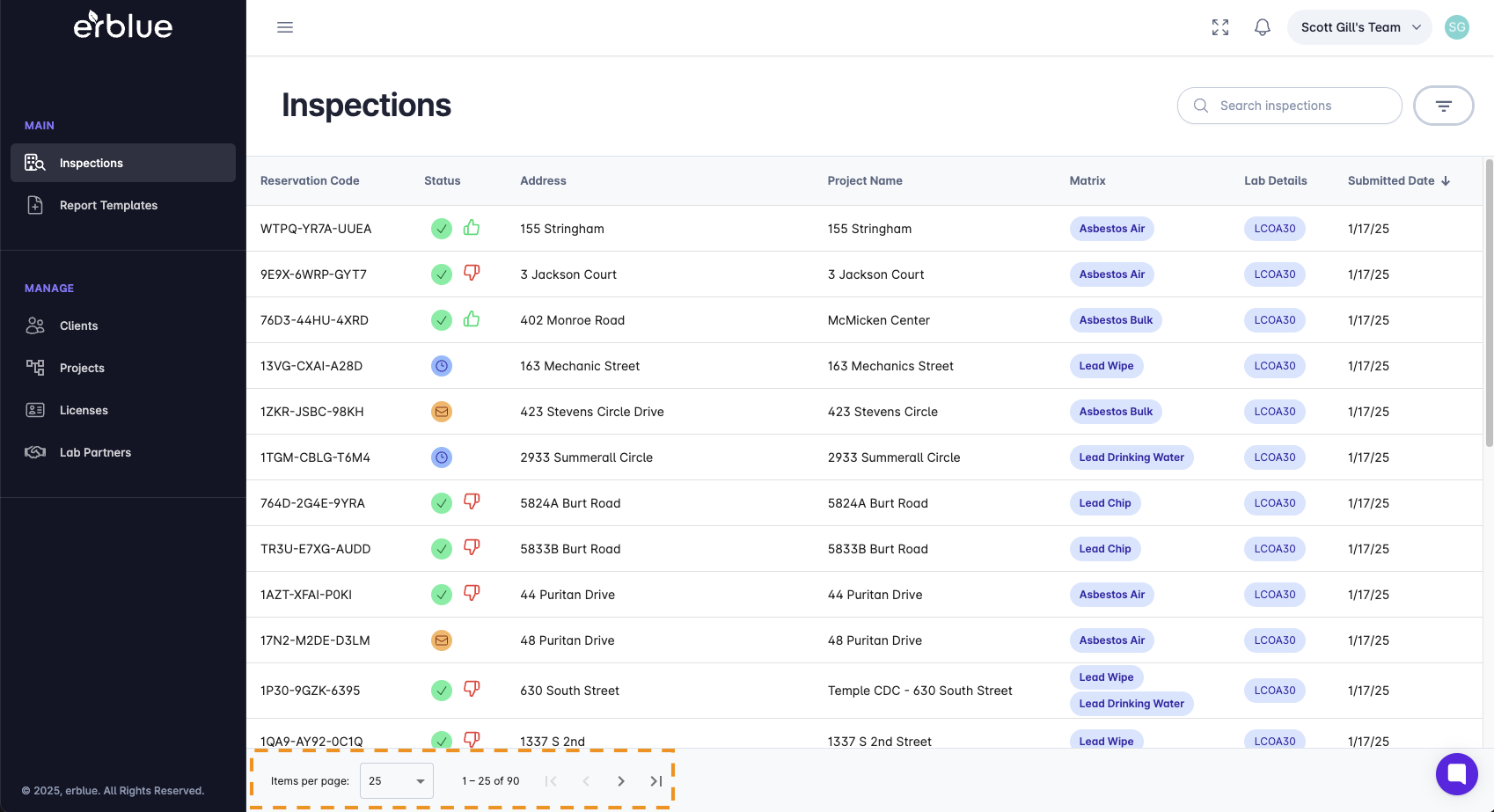
At the bottom of the interface you will see the items per page. In addition, there are arrows that allow you to quickly navigate between pages.
Clicking on an inspection record will bring you to the Inspection Detail Page.