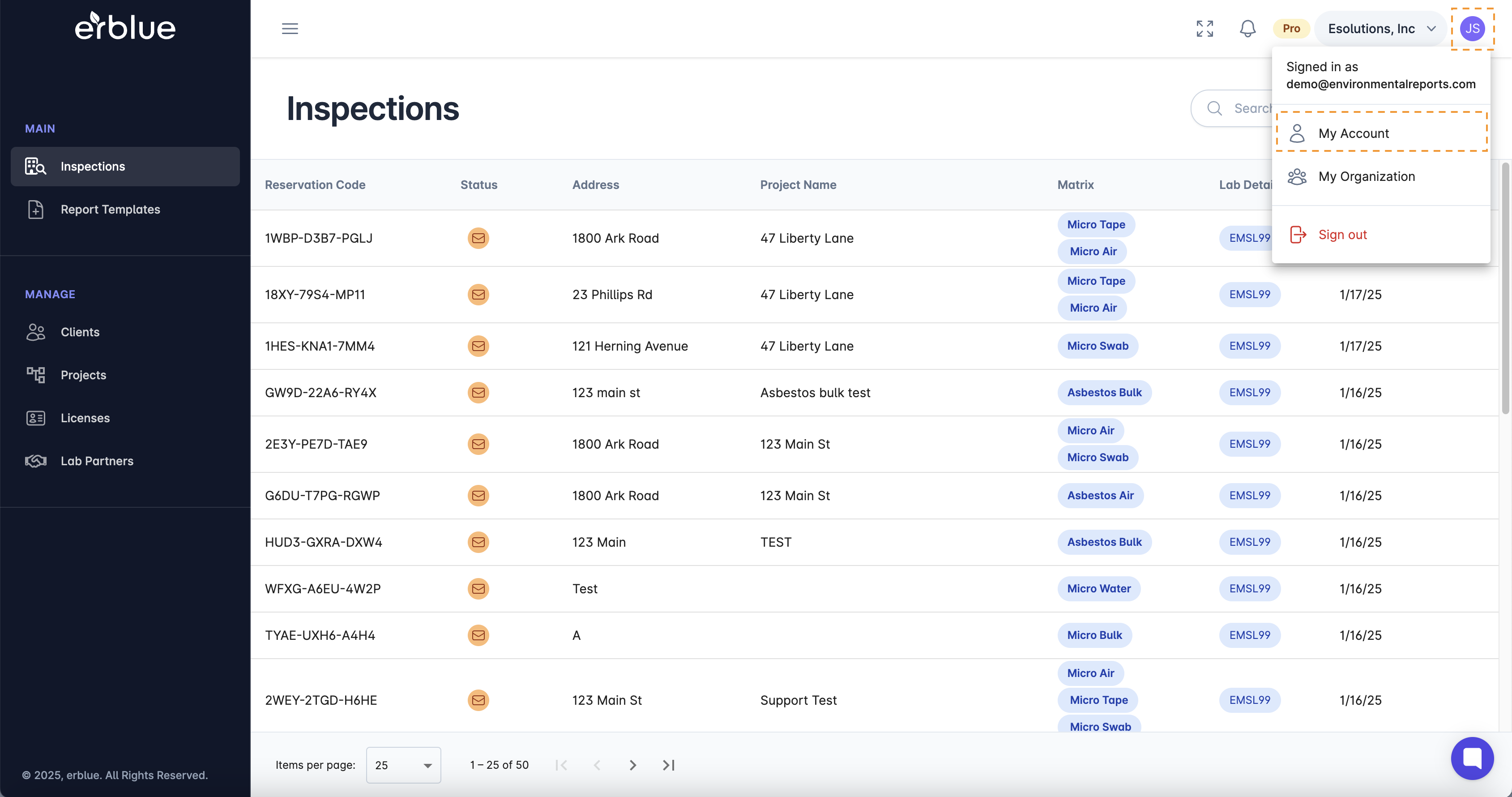
To access the account management screen, click on your avatar circle at the top right corner of the application screen. Then click on My Account.
You can change the name of your account and the main contact email for communications with erblue.
Simply enter your current password and your new password and click save.
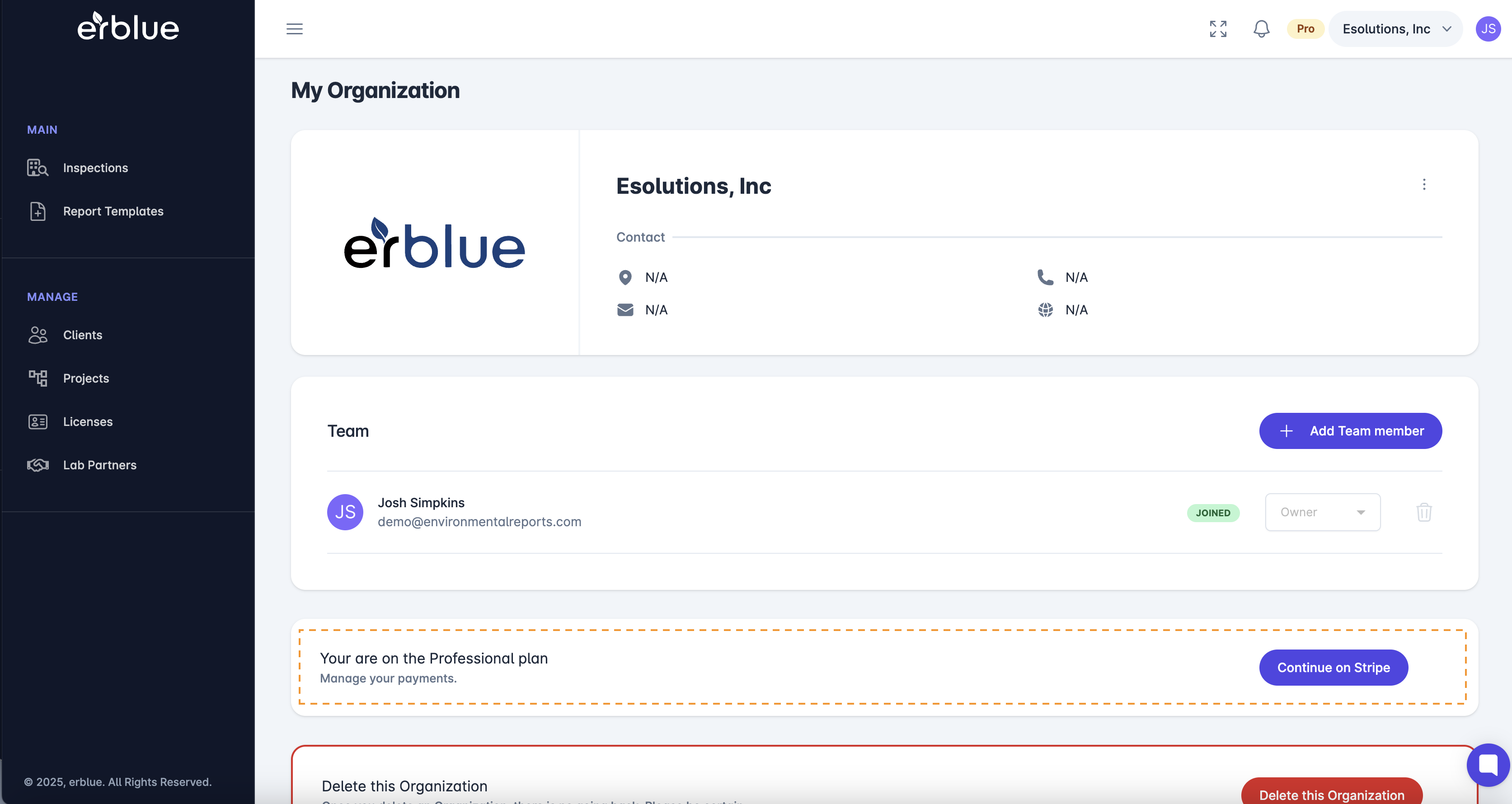

Simply go to the Plan and Billing section and click Continue on Stripe. Follow the instructions to cancel your subscription.