When you first open the eCOC mobile app you are required to login. To login simply enter your credentials in the form and tap the Log In button.
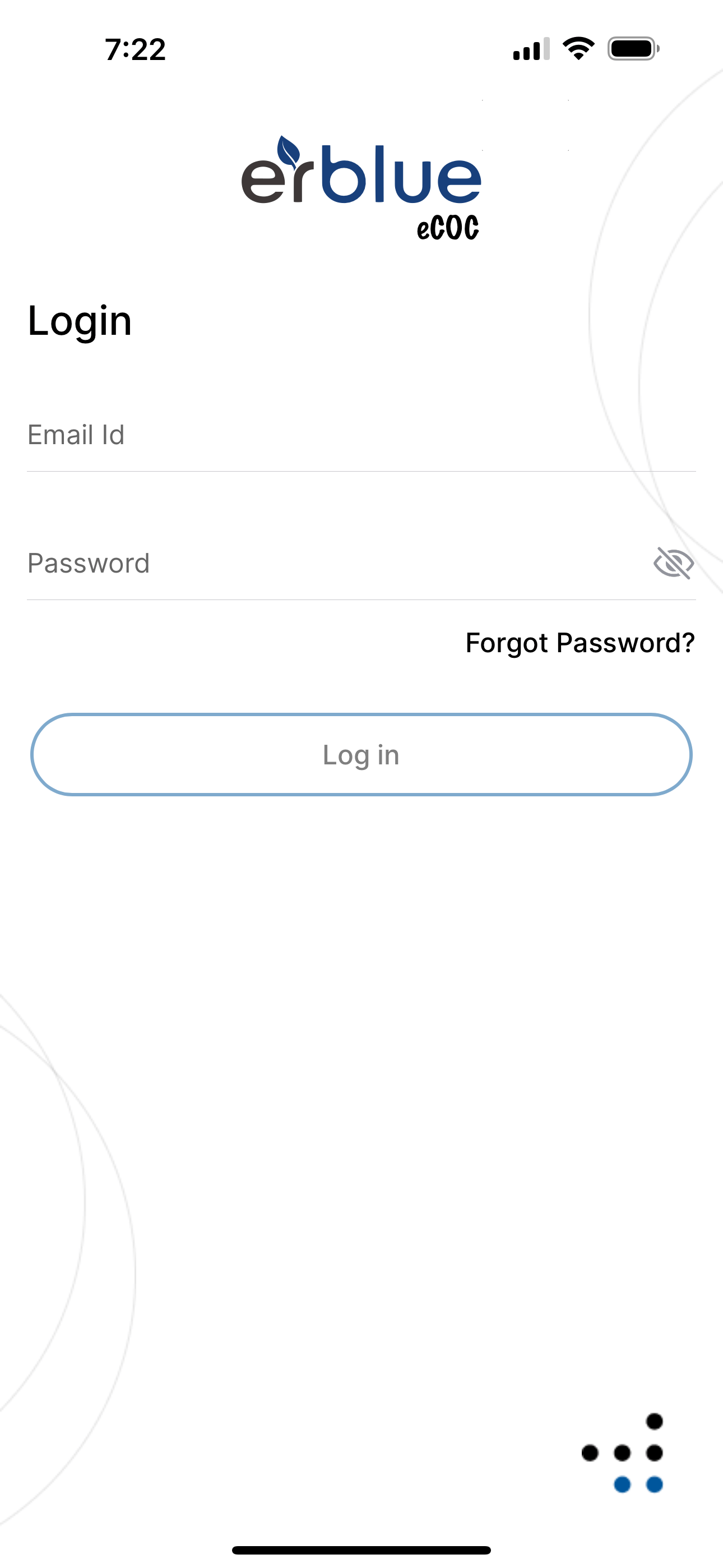
If you have forgotten your password, tap the Forgot Password? link. Then enter your email on the Reset Password screen and tap the Reset Password button. You will be emailed instructions on how to reset your password.
If you have more than one organization tied to your account, you will be prompted to select an organization during the login process.
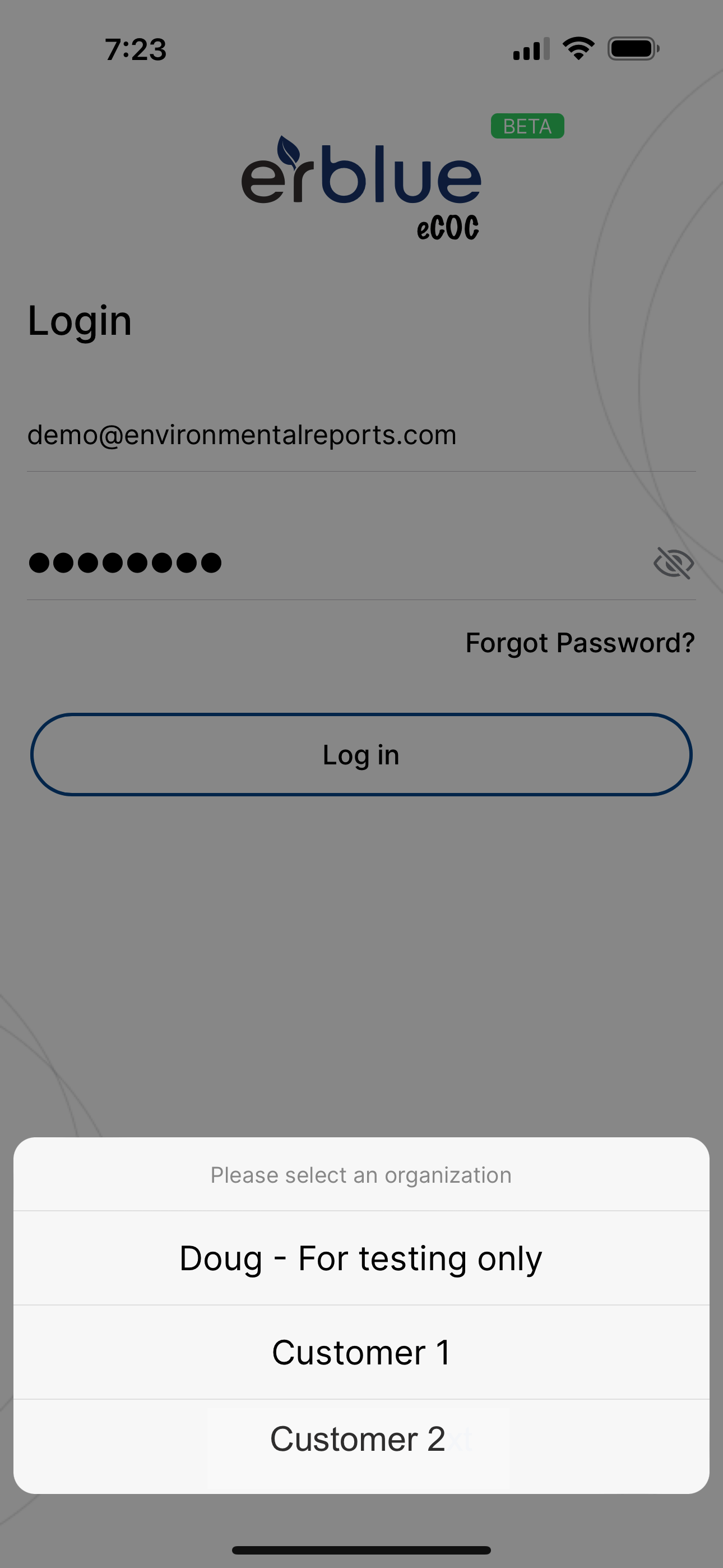
Simply tap the organization you want to work with. Don't worry you can always change the organization in the app settings later if you wish.